
Design a loyalty card your customers actually want to add
Colour choice, logo and number of stamps affect how many people actually scan the card. Here are the design principles that increase conversion.
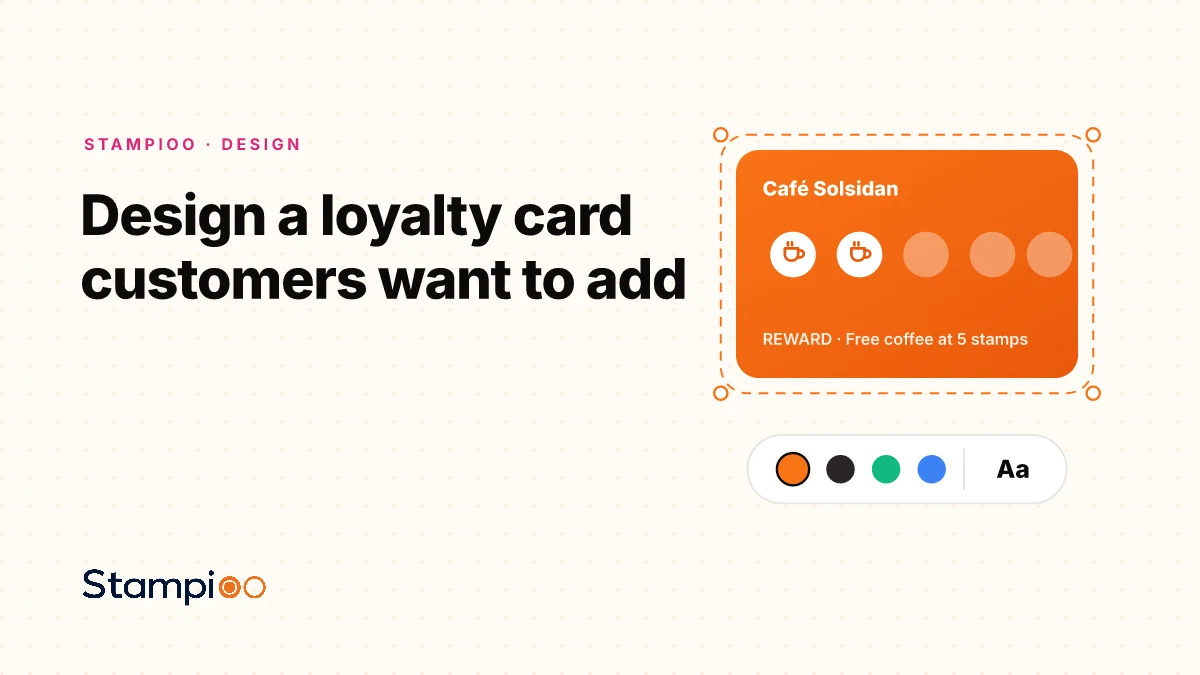
It doesn't matter how great your loyalty programme is if customers don't add the card. The design is your first and most important conversion point.
Want to try it right now? The free loyalty card maker lets you design a card, print ten per sheet and see the same design in Apple Wallet and Google Wallet, no account needed.
Colour choices that stand out in the wallet
Apple Wallet and Google Wallet display cards in a list. Your card competes for attention. Use your strongest brand colour as the background, and avoid white or light grey that disappears into the background.
Logo in the right format
Wallet cards have a small surface area. A simple icon or wordmark in white against your brand colour works best. Avoid complex logos with many details, as they become illegible at small sizes.
The right number of stamps
Psychologically there's a sweet spot around 8–10 stamps. Fewer than 6 feels trivial; more than 12 feels unattainable. We recommend 8 for most merchants. Whether a stamp should also require a minimum spend is its own decision. Our guide to stamp rules goes through it.
The reward must be clear
Print the reward directly on the card: "Free coffee", "10% discount" or "Free dessert". The clearer the reward, the more people add the card.
- Strong, brand-consistent colours, no white or beige.
- Simple logo that's visible at small size.
- 8–10 stamps for optimal motivation.
- Reward clearly described directly on the card.
- Card name: your store name, not "Loyalty Card".
With Stampioo's digital loyalty cards, you can live-preview how your card looks in Apple Wallet and Google Wallet while you design. Try it free, no design skills required.
Launch your loyalty programme this week.
Start with a 30-day free trial.
Create my card for freeSet up in minutes · Cancel anytime