
Free tool
Loyalty card maker
Your business name, your reward, your colours. Print a sheet of ten, or download the card for a print shop.
Keep it short enough to read on a card.

PNG, JPG, SVG or WebP, up to 5 MB. It stays in your browser.
Print sheet: ten cards on A4, crop marks in the margins. Choose 100 % scale and no margins in the print dialog.
The same design as an Apple Wallet or Google Wallet card.
Everything runs in your browser. Nothing you type is sent to us or stored.
What this makes
A loyalty card, the kind many people call a punch card or stamp card: a business-card-sized card with a grid of empty circles that you stamp or punch at every visit until the customer earns a reward. The maker outputs a print-and-cut sheet of ten cards, plus a single card as PNG or SVG for a print shop.
How many stamps?
Six to eight stamps suits weekly purchases such as coffee, bread or lunch. Ten to twelve works for cheaper, more frequent items. Services with a higher ticket, like haircuts or treatments, rarely need more than five or six. A reward that takes a year to earn is a reward nobody chases. Use the reward calculator to check what the free item costs you.
Printing at home or at a print shop
The print sheet fits A4 with 85 × 55 mm cards, or US Letter with 3.5 × 2 in cards on the Avery 5371 layout, so it also prints on perforated business-card stock. Print at 100 % with no margins. For a print shop, download the PNG (300 dpi) or the SVG and ask for a matt 300–350 gsm card, so stamps and pens grip the surface.
Paper or wallet?
Paper cards are cheap and immediate, and around a third of them are lost or forgotten before the reward. A loyalty card in Apple Wallet or Google Wallet stays on the phone, updates the moment you add a stamp, and lets you send a note when a reward is waiting. The wallet preview above shows what your design looks like there.
Related reading
Design
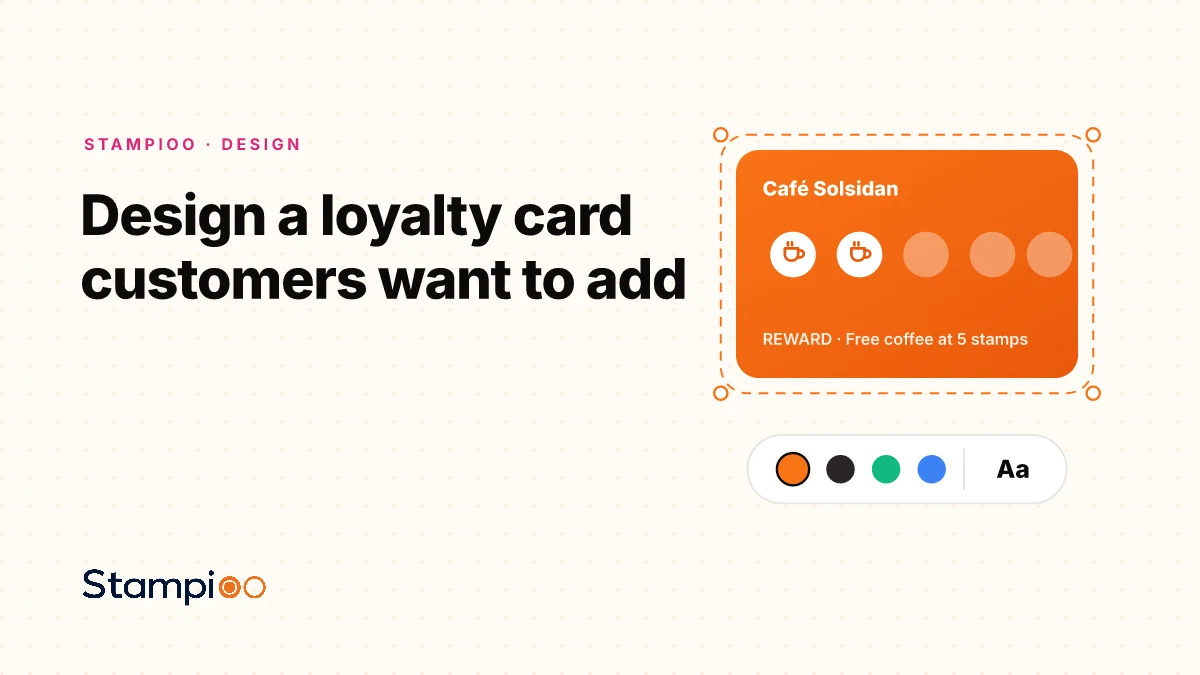
Design a loyalty card your customers actually want to addColour choice, logo and number of stamps affect how many people actually scan the card. Here are the design principles that increase conversion.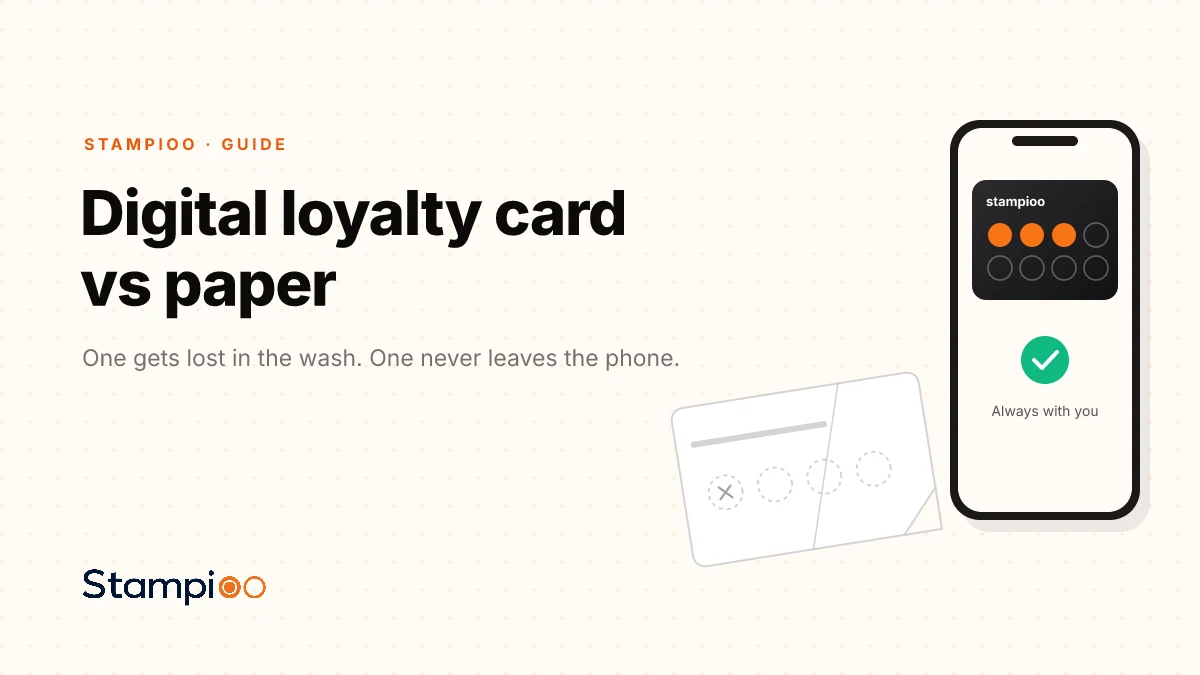
Guide
Digital loyalty card vs paper: why merchants choose walletPaper cards get lost, damaged and left at home. We explain how Apple Wallet and Google Wallet keep the loyalty card on the customer's phone and open a direct channel for updates.
Questions
More free tools
A clean A4 menu or price list from a template for your kind of business. Type, pick a colour, print.
How many stamps, and what does the free one cost? See the reward as a share of spend, extra visits and monthly profit.
Turn your Google review link into a counter poster customers scan to leave a review.
A counter poster guests scan to join your Wi‑Fi, without typing the password.
Review QR, Wi‑Fi QR and loyalty poster in one matching set for the counter.
Launch your loyalty programme this week.
Start with a 30-day free trial.
Create my card for freeSet up in minutes · Cancel anytime