
Free tool
Bar & drinks menu maker
A drinks list template for the bar or the table: cocktails, beer, wine and soft drinks in two columns, a tasting note per line, and a loyalty line at the bottom. Free, in your browser.
Printed after every price. Leave empty to show numbers only.

PNG, JPG, SVG or WebP, up to 5 MB. It stays in your browser.
Want the card behind that sentence to live in your customers' phones? Set up the loyalty programme
Your menu is saved in this browser as you type, so you can come back to it. It is not sent anywhere.
Prints on A4, one page per sheet. Choose 100 % scale and no margins in the print dialog. The PNG is 300 dpi for a print shop; the SVG opens in any design app.
Everything runs in your browser. Nothing you type is sent to us or stored.
One page, one glance
A menu that fits on one page gets read; a menu that runs to three gets skimmed. The maker fits your items onto a single A4 and shrinks the text a little when it has to. If it warns you that the page is full, the fix is almost always fewer items, not smaller type: a short menu sells more of everything on it.
Prices without the theatre
Put the number, not a currency symbol in every line, and drop the trailing .00. Right-aligned prices with no dotted leaders keep the eye on the dish rather than the cost. The template does all of that; the currency label is printed once per line, small.
The line at the bottom
A menu is the one piece of paper every customer reads. The last line on it can say “every 8th coffee is on us” or “6 cuts, then the wash and treatment is free”, and that sentence is worth more than any poster. Edit it to match your loyalty programme, or turn it off.
Print, PNG or SVG
Print straight from the page onto A4 for a table or counter copy. Download the PNG at 300 dpi to send to a print shop for a laminated version, or the SVG if a designer will finish it. The colour themes are the same ten as the counter posters, so a menu, a review poster and a Wi-Fi card can share one look.
Related reading
Guide
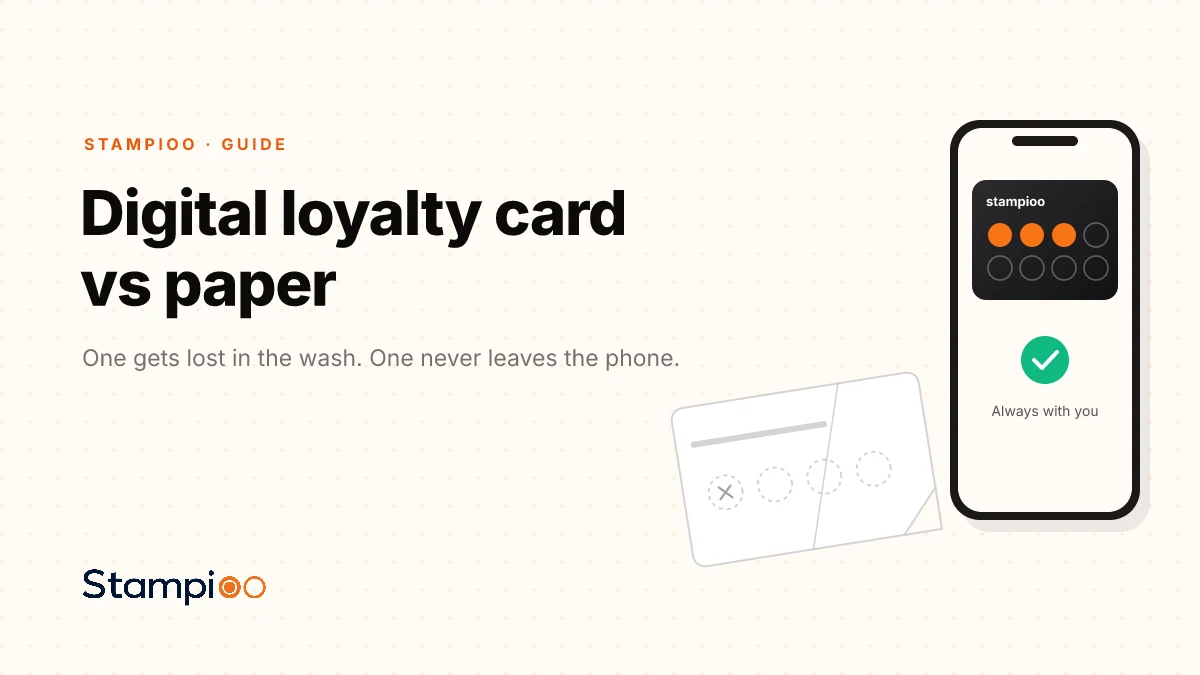
Digital loyalty card vs paper: why merchants choose walletPaper cards get lost, damaged and left at home. We explain how Apple Wallet and Google Wallet keep the loyalty card on the customer's phone and open a direct channel for updates.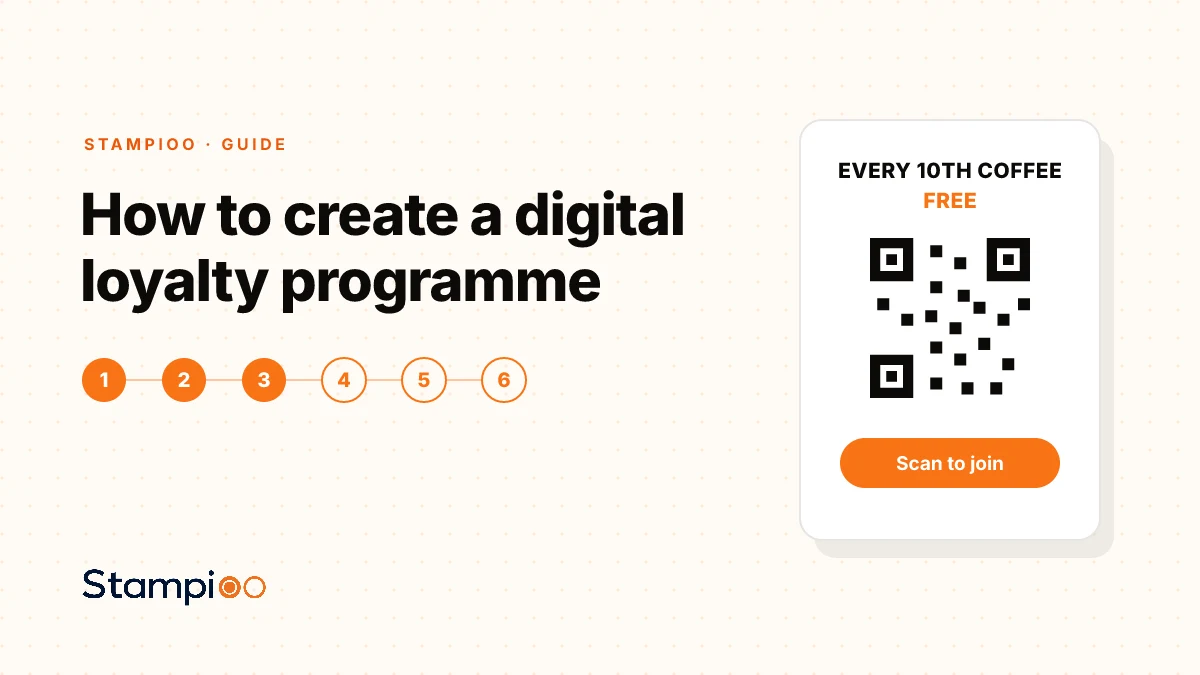
Guide
How to create a digital loyalty programme for your café or salonFrom choosing the reward to placing the QR sign at the checkout. Here is a practical step by step guide to creating a loyalty programme that customers actually want to join.
Questions
More free tools
Design a printable loyalty card in a minute, ten per sheet, and see the same design in a phone wallet.
How many stamps, and what does the free one cost? See the reward as a share of spend, extra visits and monthly profit.
Turn your Google review link into a counter poster customers scan to leave a review.
A counter poster guests scan to join your Wi‑Fi, without typing the password.
Review QR, Wi‑Fi QR and loyalty poster in one matching set for the counter.
Launch your loyalty programme this week.
Start with a 30-day free trial.
Create my card for freeSet up in minutes · Cancel anytime