
QR code or NFC for digital stamp cards?
QR codes and NFC can both be used for digital stamp cards. Here is how they work when customers join and when your staff add stamps, what hardware they need and why Stampioo uses QR codes.
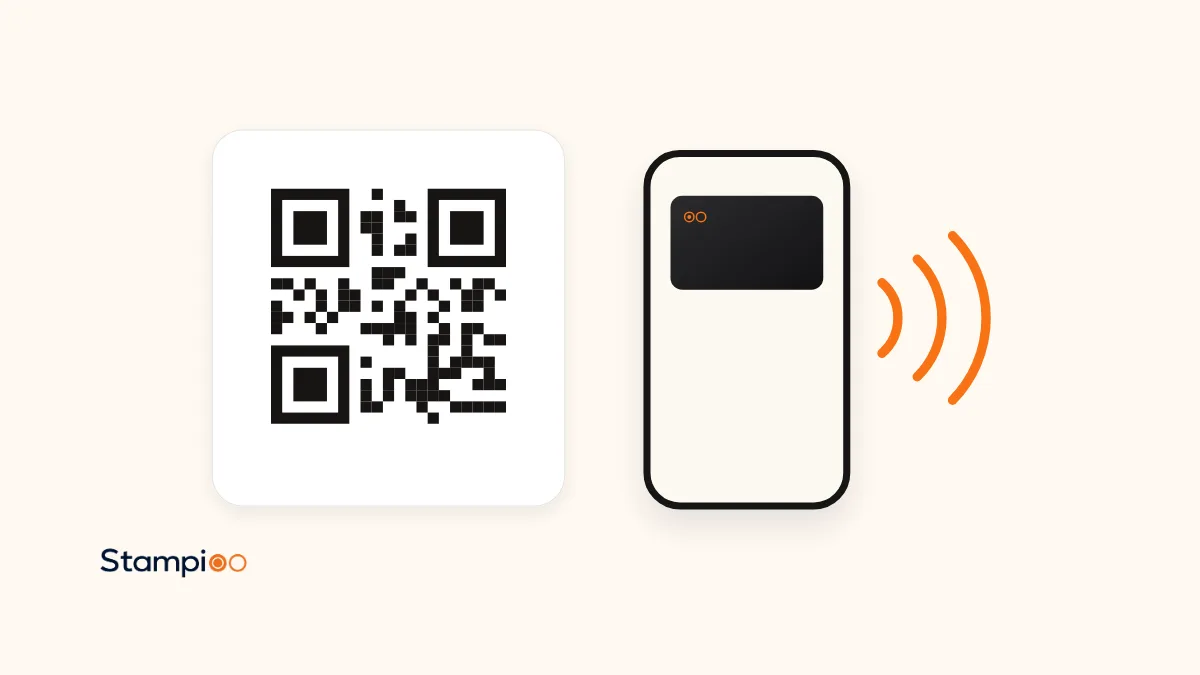
For most small businesses, the QR code is the simplest choice for digital stamp cards. iPhones and Android phones can read it with the camera, it costs nothing to print and it needs no special equipment. NFC can feel smoother in the moment, but it needs the right hardware, and tapping a Wallet card requires special permission from Apple and certification with Google.
Stampioo uses QR codes, both when customers join and when your staff add stamps. We call the digital stamp card a loyalty card, and it is saved in Apple Wallet or Google Wallet. Here we go through both technologies and what they mean in practice.
In short
- QR code: works with the phone's camera, can be printed anywhere and needs no hardware.
- NFC tag for joining: the customer holds the phone against a tag, but still has to tap a notification to open the link.
- NFC for stamping: needs a reader and an agreement or certification with Apple and Google.
- Stampioo uses QR codes and a scanner in the browser. No NFC and no extra equipment.
Two moments: joining and stamping
The question of QR or NFC covers two different things. The first is how the customer finds and saves the card the first time. The second is how your staff add a stamp at each visit. The technology can differ between the two steps, so it pays to look at them separately.
A QR code for joining
The QR code leads to the page where the customer fills in a short form and saves the card to their wallet. On iPhone, the Camera app recognises the code and shows a link to tap. On Android, QR scanning is built into the camera or available through Google Lens, and how it looks varies between manufacturers.
The big advantage is where the code can go. In Stampioo you can print a poster for the till, show the code full screen on an iPad or TV, or download the code for your menu or website. You will find ready-made signs among our counter posters. A QR code also works at a distance, so customers can scan it from the queue or from their table.
The downside is that the camera needs light and a moment to focus. A worn or glossy print can be harder to read, so put the code where it can be seen and replace it if it gets scratched.
NFC for joining
An NFC tag is a small chip, often in a sticker, that contains a link. The customer holds the phone against the tag and the link comes up. It sounds simpler than it is, for three reasons.
- On iPhone, tags are read in the background from iPhone XS onwards, and only while the phone is in use. The system shows a notification the customer has to tap, and reading does not work while, for example, the camera or Apple Pay is in use.
- On Android, the phone looks for tags when the screen is unlocked and NFC is switched on in the settings. From Android 17, the phone shows a notification about opening the link, which the customer has to tap.
- The tag has to be where the customer can reach it with their phone, so it does not work on a poster on the wall, in the window or on Instagram.
NFC tags can work as an extra at the till, but they do not replace a QR code that customers can scan wherever they see it.
A QR code for stamping
Every loyalty card in Stampioo has its own QR code. The customer shows the card from their wallet, and your staff scan the code with the scanner in the browser on an ordinary phone or tablet. Staff can see the customer's stamps, add stamps, redeem rewards and confirm every change before it is saved.
You need no extra equipment and no connection to your till system. If the camera cannot read the code, your staff can type in the card's ID instead, which is printed on the back of the card. Every stamp is recorded against whoever is logged in, so you can see who did what.
NFC for stamping
There are two ways to add stamps with NFC, and they are very different.
The customer taps their Wallet card on a reader
It feels much like paying with your phone. But there is more to it than it seems. Apple says NFC in a Wallet pass requires a special entitlement issued by Apple, and that the information is sent to an Apple Pay terminal. Google uses its own protocol, Smart Tap, and the terminal has to be certified. So you need a compatible reader at the till, and your loyalty card provider needs to hold these permissions.
The customer taps a tag and stamps their own card
A cheaper option is a tag by the till that gives a stamp when the customer holds their phone against it. Then the stamp is added without your staff seeing it, and the same risk comes with a fixed QR code that customers scan themselves. That is why your staff do the stamping in Stampioo.
QR code and NFC side by side
| Aspect | QR code | NFC |
|---|---|---|
| Joining | The camera reads the code on a poster, table, screen or website | The phone is held against a tag, the customer taps a notification |
| Stamping | Staff scan the card's code with a phone or tablet | A reader for Apple's and Google's protocols, or a tag for self-stamping |
| Hardware | None beyond a phone or tablet | Tags or a compatible reader |
| Works at a distance | Yes | No, only very close up |
| In Stampioo | Yes | No |
What Stampioo uses
Stampioo uses QR codes and the scanner in the browser. We do not support NFC. The customer scans a QR code to save the card in Apple Wallet or Google Wallet, and your staff scan the QR code on the card to add stamps. It works with the phone or tablet you already have, and every plan includes unlimited customers and scans. See the pricing for details.
Print your QR sign
Make a sign for the till that shows customers how to save your loyalty card.
Create your posterFrequently asked questions
Is NFC faster than a QR code?
In the moment itself NFC can feel faster, because the customer just holds their phone against a tag or reader. But both iPhone and newer Android versions show a notification the customer has to tap before a link from an NFC tag opens, so the difference when customers join is small.
Do I need a special reader to add stamps?
Not with QR codes. With Stampioo, your staff scan the QR code on the customer's card with the scanner in the browser on an ordinary phone or tablet. If customers are instead to tap their Wallet card with NFC, you need a reader that supports Apple's and Google's protocols.
Can customers stamp their own card with an NFC tag?
Technically, a tag by the till can open a link, but then the stamp is added without your staff seeing it. The same risk applies to a fixed QR code that customers scan themselves. That is why staff stamp the card in Stampioo.
Does the QR code work on both iPhone and Android?
Yes. iPhone reads QR codes directly in the Camera app, and on Android QR scanning is built into the camera or available through Google Lens. Exactly how it looks varies between Android manufacturers.
Does Stampioo support NFC?
No. Stampioo uses QR codes, both when customers join and when your staff add stamps with the scanner in the browser.
To find out more about how the card works on the phone, read our guide to stamp cards in Apple Wallet and Google Wallet. When you are ready to get going, the guide to creating a digital loyalty programme takes you through every step.
The information about iPhone, Android, Apple Wallet and Google Wallet comes from Apple's and Google's documentation, checked 2 November 2026.
Keep reading
Launch your loyalty programme this week.
Start with a 30-day free trial.
Create my card for freeSet up in minutes · Cancel anytime