
Apple Wallet vs Google Wallet for loyalty cards: what’s different for your business (2026)
The same loyalty card behaves differently on an iPhone and on an Android phone. This guide lists the differences that affect a business, each taken from Apple’s or Google’s own documentation, and says what to do about them.
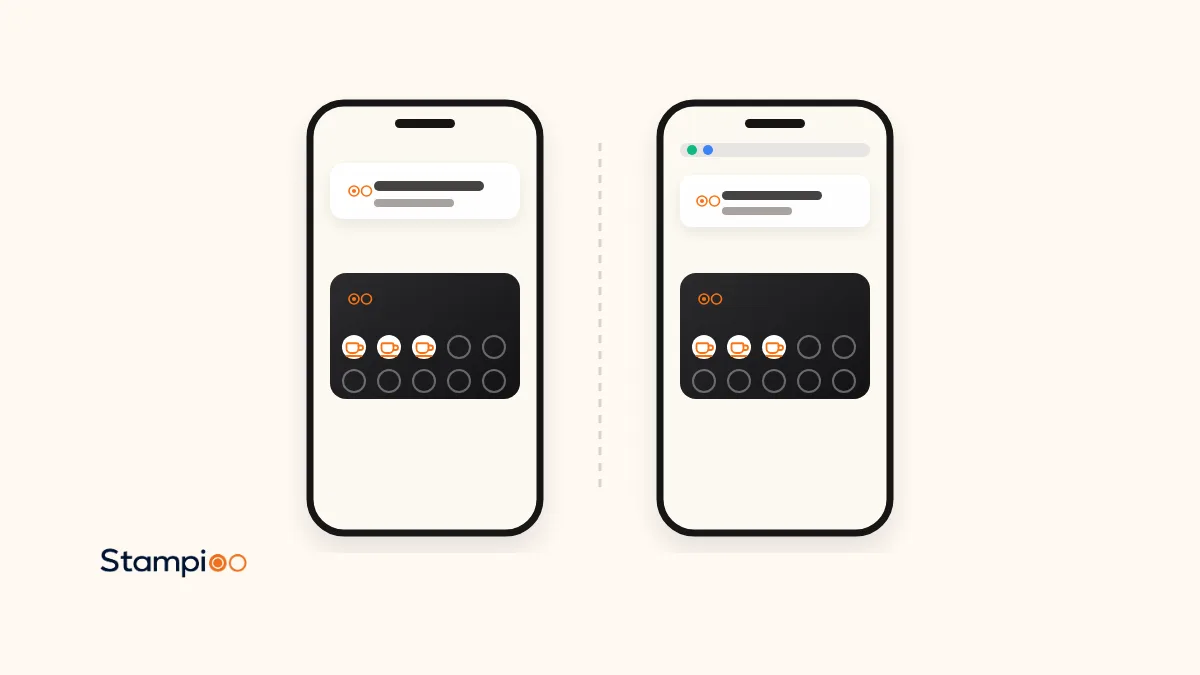
In short
- Account: Google Wallet requires a logged-in Google account to save a pass; Apple Wallet adds a pass from a link with one tap and no sign-in.
- New phone: Google moves loyalty cards to a new device automatically with the account; Apple does not document restoring third-party passes, so the customer scans again.
- Notifications: Google caps pushes at 3 messages and 3 field updates per 24 hours and writes the lock-screen text itself; Apple shows the issuer’s message and publishes no cap.
- Nearby reminders: both allow 10 locations per pass; on iPhone the issuer writes a line per location, on Android Google decides distance, timing and text and needs always-on location access.
- What to do: support both from one programme. Stampioo issues both from €29 a month; Square Loyalty is Apple-only and Stamp Me puts only a barcode in either Wallet.
Stampioo writes this, and Stampioo sells loyalty cards for both Wallets, so we have no reason to favour one platform; we do have a reason to prefer Wallet cards over apps and paper, which you should keep in mind. Every behaviour described below was read on 3 November 2026 in Apple’s user guide and developer documentation or Google’s help pages and developer documentation, and the table says which. Where a platform does not document something, the table says “not documented”.
If you are new to the subject, start with how stamp cards work in Apple Wallet and Google Wallet and the loyalty card in Apple Wallet and Google Wallet feature page. The two platform guides, Apple Wallet setup and Google Wallet on Android, go into each side in depth. This page is the comparison.
The same card, two rulebooks
For the customer the card looks nearly identical: your logo, your colours, the stamps, a QR code, the reward. For the business the differences are behind the scenes, in who may save the card, what the phone shows without being opened, how many messages get through, and what happens when the phone is replaced. These are the ones that change what you tell customers at the till.
| Difference | Apple Wallet (iPhone) | Google Wallet (Android) |
|---|---|---|
| Account needed | No sign-in to add a pass from a link | A logged-in Google account is required |
| Phone requirement | Wallet is built into the iPhone | Android 9 or later (since 10 June 2024) |
| Adding the card | Add to Apple Wallet, then Add | Add to Google Wallet, sign in if needed, then Save |
| Nearby reminder | Up to 10 locations; issuer writes a line of text per location | Up to 10 locations; Google decides distance, timing and text; needs precise always-on location |
| Notification on a stamp | Shown with the issuer’s message when a marked field changes | Shown by Google; max 3 field updates with a push per 24 hours |
| Campaign messages | No cap documented | Max 3 messages with a push per 24 hours; notifications must be on |
| New phone | Not documented for third-party passes; scan again | Loyalty cards appear automatically after signing in; can be on several devices |
| Deleting the card | Removed from all the customer’s devices | Account-linked passes removed from all devices |
| Pass type | Store card (also coupon, generic) | Loyalty Card (also Offer, Generic Pass) |
| Watch | Many passes also available on Apple Watch (issuer-dependent) | Wear OS 2.18 or higher for Wallet; pass support not documented |
Account and phone requirements
This is the difference that produces the most support questions. On an iPhone, Apple’s user guide tells the customer to look for Add to Apple Wallet in an app, email, message or web page; a pass opened that way is added with a tap, and the only sign-in Apple mentions is for certain items added inside the Wallet app itself. On Android, Google’s developer documentation says adding a pass can only be initiated in the context of a logged-in Google identity, and Google’s help page says Wallet needs Android 9 or higher. Almost every Android phone with Google services is signed in already, so the customers who hit this are the ones with a work phone, a second-hand phone or a phone without Google services. Tell staff the sign-in screen exists so they do not assume the card is broken.
The lock screen and nearby reminders
Both platforms can show the card when the customer is close to your business, and both allow up to 10 locations per pass. The control is different. Apple’s developer documentation lets the issuer add a line of text per location (“Store nearby on 3rd and Main” in Apple’s example) and set a maximum distance, with the system using the smaller of that and its default. Google’s documentation says Google decides how close the customer needs to be and how long they need to stay, Google writes the text, and the customer must have given Google Wallet precise, always-on location access and have notifications on. In practice a nearby reminder reaches more iPhone customers than Android customers, because always-on location is a permission many people refuse. Apple also gives the customer a per-pass switch, Suggest on Lock Screen, to turn the suggestion off for your card alone.
Notifications and how many get through
Apple documents a mechanism, not a quota: when the issuer marks a field on the pass and that field changes, the customer sees a notification with the issuer’s own message, and can tap it on the lock screen to open the pass. Google documents a quota: at most 3 messages that trigger a push notification per 24 hours and at most 3 field updates that trigger one, delivered only to customers who have notifications enabled, with the notification’s appearance controlled by Google. The consequence for a business is simple: plan one campaign a day at most, and do not expect a notification for every single stamp on Android.
Stampioo sends stamp updates on every plan and targeted campaigns on Pro and Enterprise, to both platforms from the same screen. The mechanics on each phone, and what actually reaches the lock screen, are in our guide to Wallet push notifications for loyalty cards.
New phones, lost phones and deleted cards
Google is the friendlier platform here. Its transfer page lists loyalty and gift cards among the passes that automatically appear when the customer signs in to Google Wallet on a new device, and says they can be stored on multiple devices at the same time; its page on managing items says removing an account-linked pass on one device removes it across all devices. Apple’s Wallet pages say a deleted pass is permanently removed from Apple Wallet on the customer’s other devices, and do not describe restoring third-party passes to a new iPhone. So an Android upgrade usually keeps the card; an iPhone upgrade usually means scanning the QR code again. With Stampioo, staff can add the previous stamps back by hand in either case.
Pass types
Apple’s pass styles include store card, coupon, event ticket, boarding pass and generic; most loyalty cards are store cards, which use locations rather than dates for lock-screen relevance. Google’s catalogue lists Loyalty Cards, Gift Cards and Offers in retail plus a Generic Pass; a stamp card is normally a Loyalty Card pass, whose points balance field is where the stamp count lives and whose updates can trigger a notification. You do not choose the type yourself with a loyalty tool, but it explains why the two phones behave differently.
What this means for your business
- Support both from one programme and one QR code. Every tool in the table below except two does this already; you should not be issuing an iPhone-only card in a market where a large share of customers carry Android.
- Print the two taps on the counter sign for each platform: Add to Apple Wallet then Add; Add to Google Wallet then Save.
- Tell staff about the Google sign-in step and the Android 9 requirement, so a failed save is explained in ten seconds.
- Plan campaigns for Google’s cap: one a day, timed well. Apple will deliver more, but your customers will not thank you for it.
- Do not promise nearby reminders to everyone. Expect them to reach most iPhone customers and a minority of Android customers.
- Keep the stamp history where you can see it, so a new phone on either platform is a two-minute fix at the till rather than a lost customer.
Which tools support both Wallets
Prices as shown on each vendor’s pricing page on 3 November 2026, no currency conversion.
| Tool | Apple Wallet | Google Wallet | Customer app | From |
|---|---|---|---|---|
| Stampioo | Yes | Yes | No | €29/mo |
| Loopy Loyalty | Yes | Yes | No | $25/mo |
| StampyWallet | Yes | Yes | No | €20/mo |
| BonusQR | Yes | Yes | No | Free; $20/mo quarterly |
| PassKit | Yes | Yes | No (you build it) | $39.50/mo + per pass |
| Square Loyalty | Yes | No | No, needs Square POS | £25/location (UK) |
| Stamp Me | Barcode only | Barcode only | Account required | £39 / $49 / €29 |
The full ten-tool comparison, with trials and the honest trade-offs, is on the Loopy Loyalty alternatives page, and plans and pricing shows what each Stampioo plan includes.
One card, both Wallets, one QR code
Create your loyalty programme and test it on an iPhone and an Android phone before you pay anything. 30 days free, no card details.
Try free for 30 daysFrequently asked questions
Do I need two loyalty programmes, one for iPhone and one for Android?
No. One programme, one QR code. The tool detects the phone and offers Add to Apple Wallet on an iPhone and Add to Google Wallet on Android. Stamps, rewards and campaigns are the same on both. You only need to know that the two Wallets behave differently afterwards.
Which is better for a loyalty card, Apple Wallet or Google Wallet?
Neither is better for the business; you need both, because your customers carry both. Apple Wallet needs no account and lets you write the lock-screen text per location; Google Wallet moves the card to a new phone automatically and syncs it across devices. Google caps notifications at three a day; Apple publishes no cap.
Does the customer need an account for either?
For Google Wallet yes: Google’s documentation says a pass can only be added in the context of a logged-in Google identity. For Apple Wallet a pass opened from a link is added with a tap on Add; Apple’s guide mentions an Apple Account sign-in only for some items added inside the Wallet app itself.
What happens when a customer changes phone?
On Android, Google says loyalty cards linked to the Google account appear automatically on the new device. On iPhone, Apple’s Wallet pages do not describe restoring third-party passes, so the customer scans your QR code again; with Stampioo staff add the stamps back by hand.
Which loyalty tools support both Wallets?
Stampioo, Loopy Loyalty, StampyWallet, BonusQR, Boomerangme and PassKit put a real card in both. Square Loyalty offers an Apple Wallet pass only. Stamp Me puts only the member-code barcode into either Wallet; the stamps stay in the Stamp Me account.
Can I send the same push notification to both?
Yes, one campaign reaches both, but Google delivers at most three messages with a notification per pass per 24 hours and only to customers with notifications on, and Google writes the lock-screen text. Apple shows the message the issuer writes when a field changes. With Stampioo, campaigns are on Pro and Enterprise.
Platform behaviour from Apple’s and Google’s own documentation, read on 3 November 2026. Vendor prices checked on their own pages the same day.
- Apple: Set up cards and passes in Wallet on iPhone
- Apple: Use passes, cards, and keys in Wallet on iPhone
- Apple: Manage passes, cards, and keys in Wallet on iPhone
- Apple Developer: Showing a pass on the lock screen
- Apple Developer: Pass
- Apple Developer: PassFieldContent (changeMessage)
- Google: Your version of Android doesn’t support Google Wallet
- Google: Manage items in Google Wallet
- Google: Transfer a pass or card on Google Wallet
- Google for Developers: Google Wallet pass types
- Google for Developers: Add loyalty cards from a website
- Google for Developers: Trigger push notifications, loyalty cards
- stampioo.com/pricing
- loopyloyalty.com/pricing
- stampywallet.com/en
- bonusqr.com/pricing
- passkit.com/pricing
- squareup.com/gb/en/software/loyalty
- stampme.com/pricing
Keep reading
Launch your loyalty programme this week.
Start with a 30-day free trial.
Create my card for freeSet up in minutes · Cancel anytime